Interactive Shop Window Technology | RemoteFront
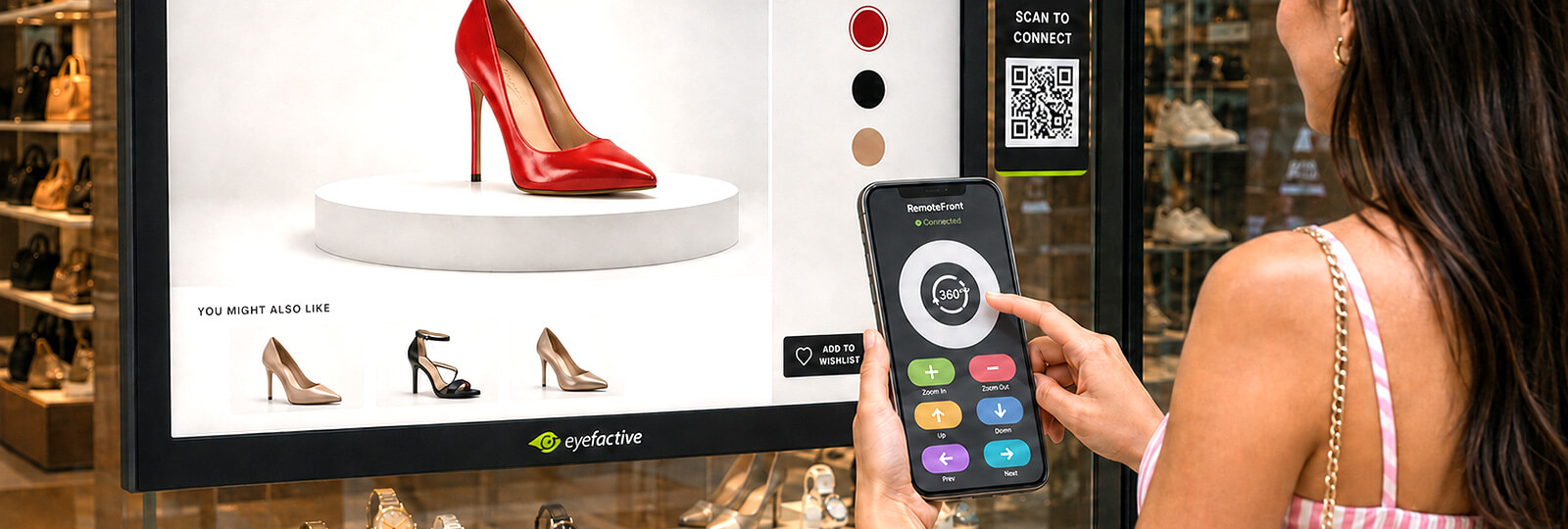
How to create a truly interactive shop window? RemoteFront connects any retail display to a shopper's smartphone for multi-touch control in real time.
Book Free Demo Media
How to create a truly interactive shop window? RemoteFront connects any retail display to a shopper's smartphone for multi-touch control in real time.
Book Free Demo Media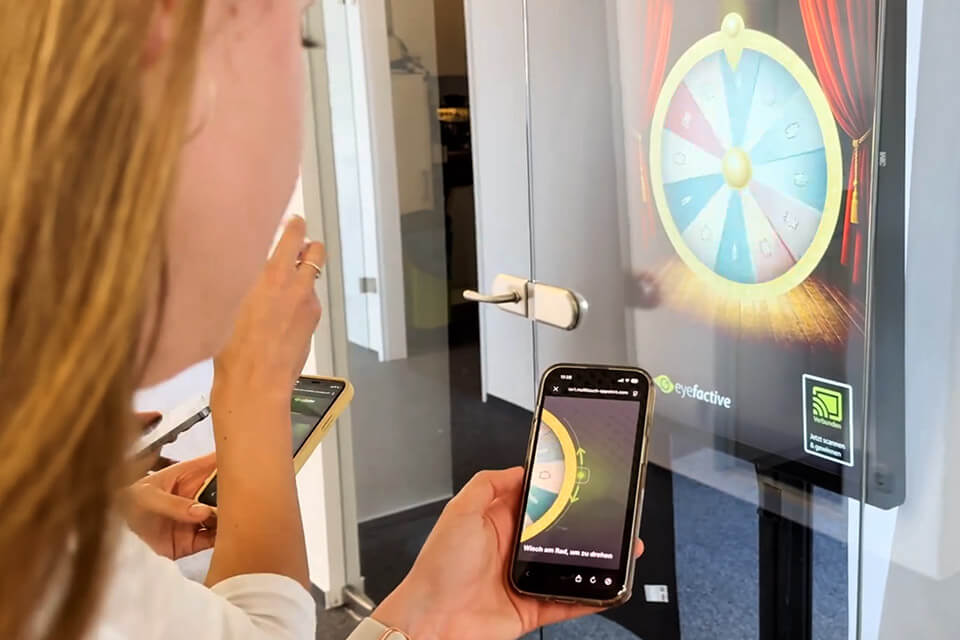
Your shop window looks great during opening hours. Then the lights stay on, the screen keeps playing the same loop, and every shopper who walks by after closing time just walks past.
RemoteFront changes that. Shoppers scan a QR code and start controlling your shop window display with their own phone, day or night, 24/7 a week.
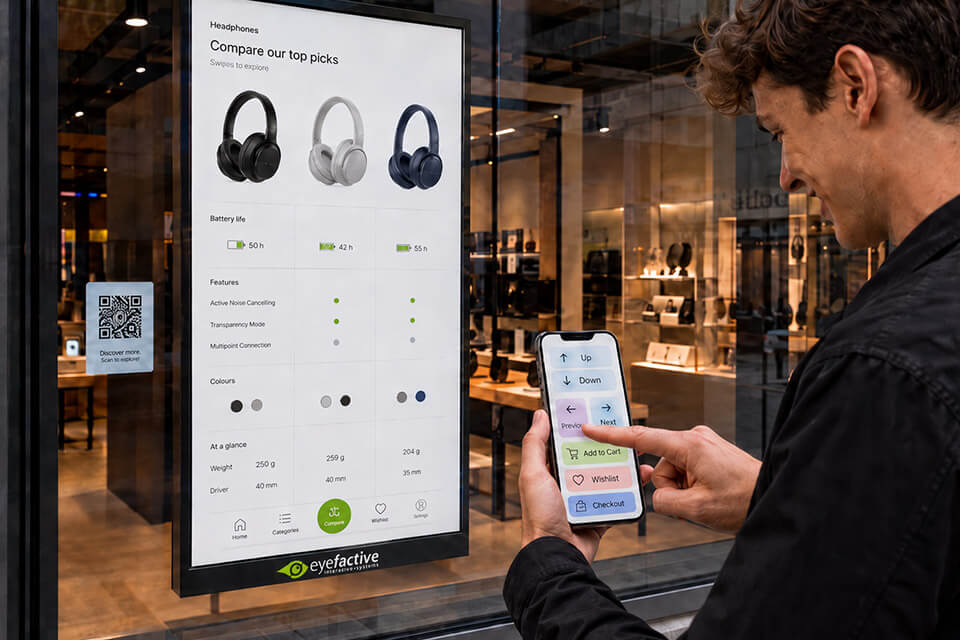
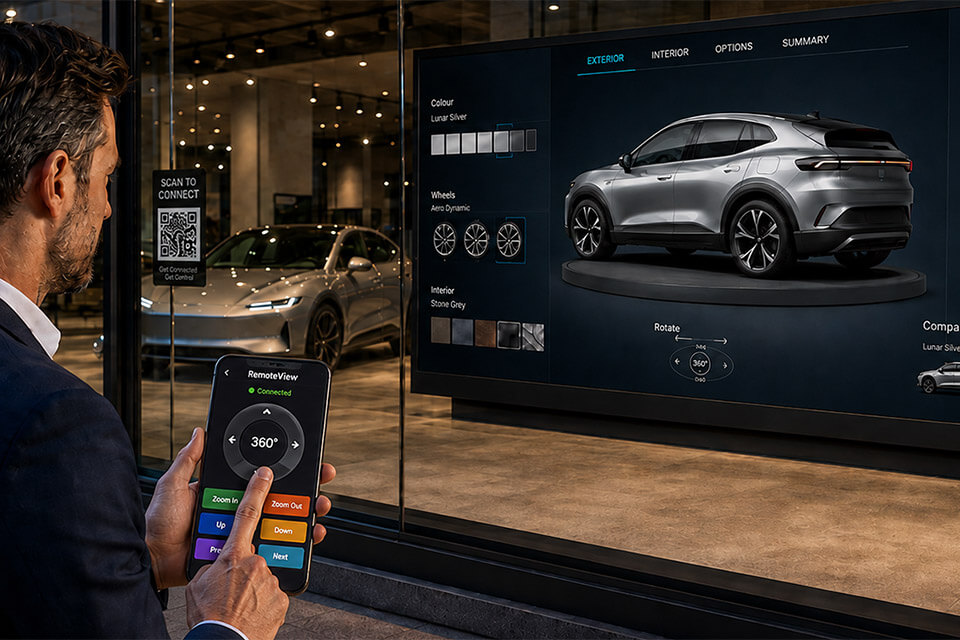
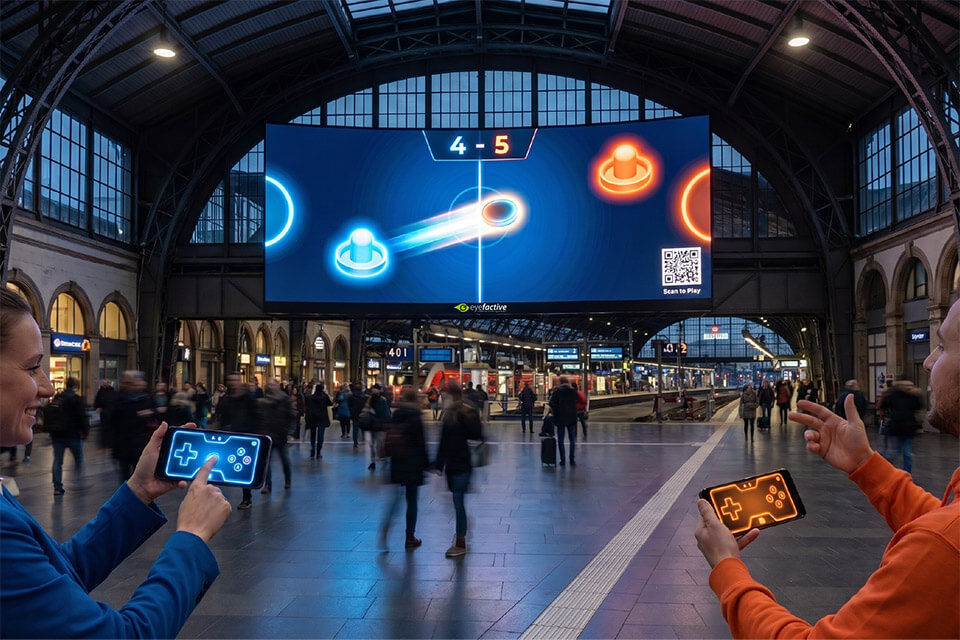
RemoteFront was built for point of sale decision makers who care about foot traffic, in-store revenue and customer experience, but the technology itself is not limited to product retail. Any brick and mortar business with a shop window or a public-facing screen can put it to work.
Numerous studies have proven the benefits of using interactive digital signage technologies at the point of sale, in flagship stores, shop-in-shop spaces and shopping centers.
See how eyefactive's interactive shop window control technology compares to other solutions.
| Before | With RemoteFront |
|---|---|
| Printed window ads, slow and costly to update | Interactive digital content, updated in seconds |
| Passive screens nobody stops for | Interactive displays that pull shoppers in and hold attention |
| Gesture recognition too slow or imprecise to use | Precise, real-time touch control via the shopper's own phone |
| Shop window goes dark and passive after closing time | Shop window stays interactive around the clock, no staff required |
| QR code opens a website, disconnected from the actual screen | QR code connects shopper directly to the real shop window display |
| One-way advertising, zero data on who engaged or how | Two-way engagement with first-party data from every session |
Click on the thumbnails to open large-format version:
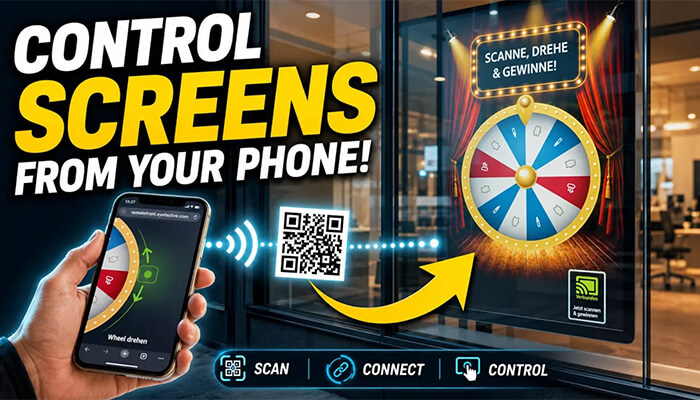
Scan & Control: New Revolutionary Way to Interact with Public Screens.

First technology presentation at Hamburg Innovation Summit 2026.
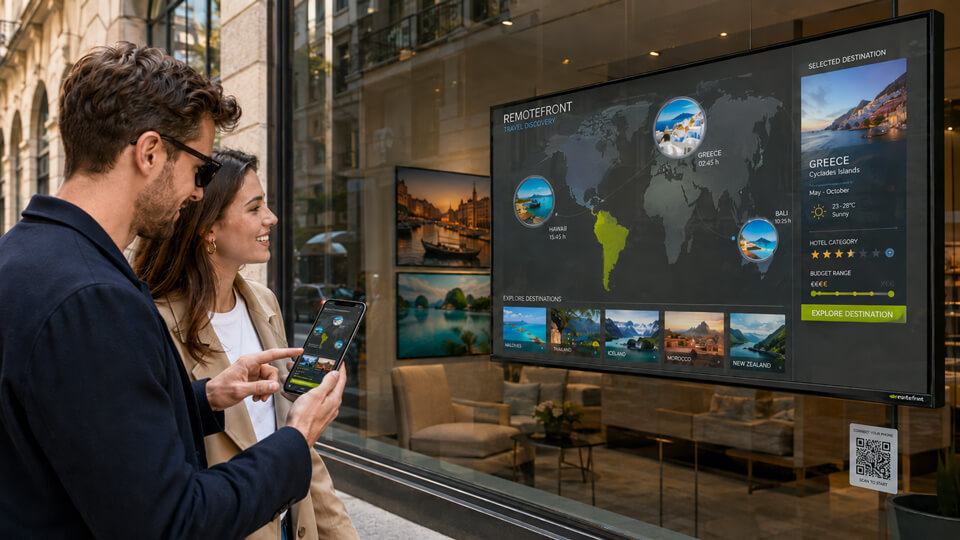
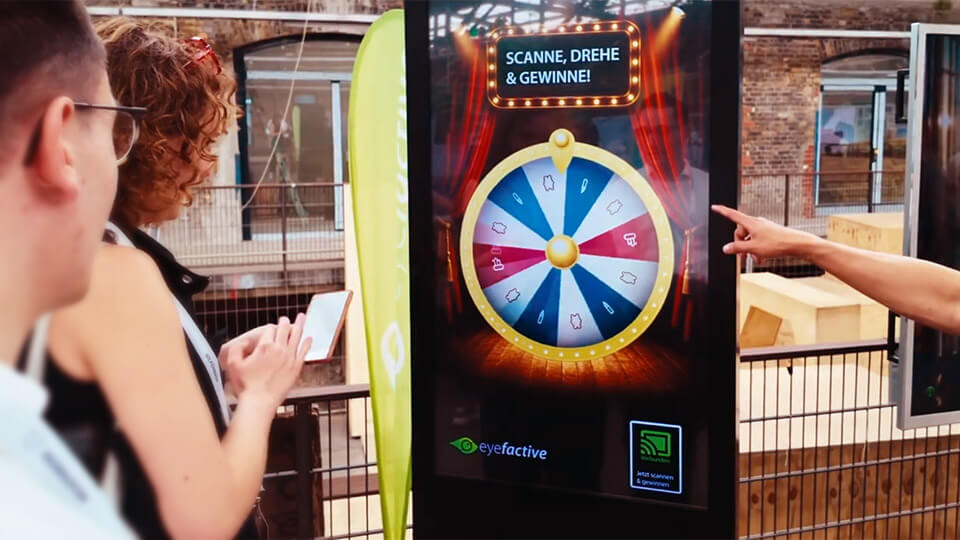
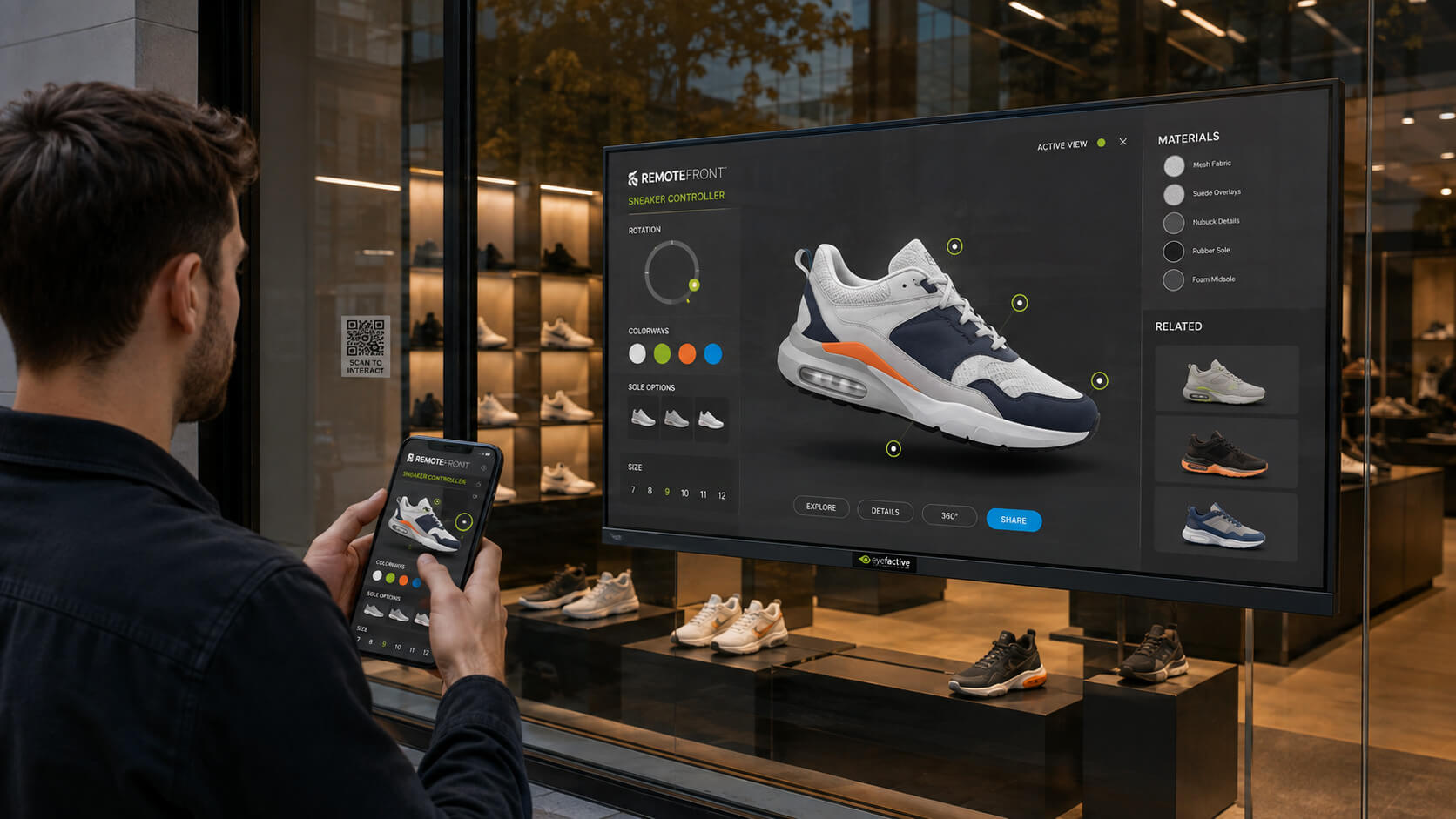
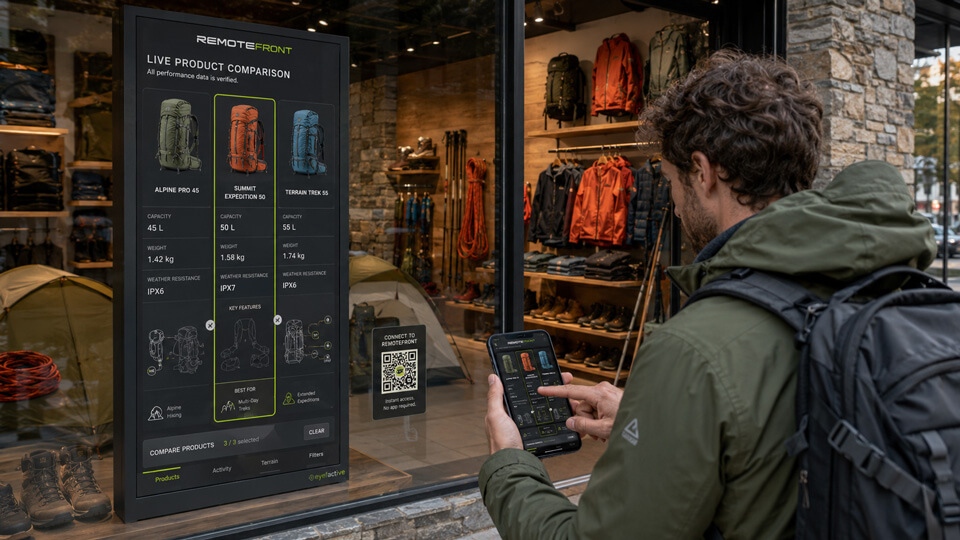
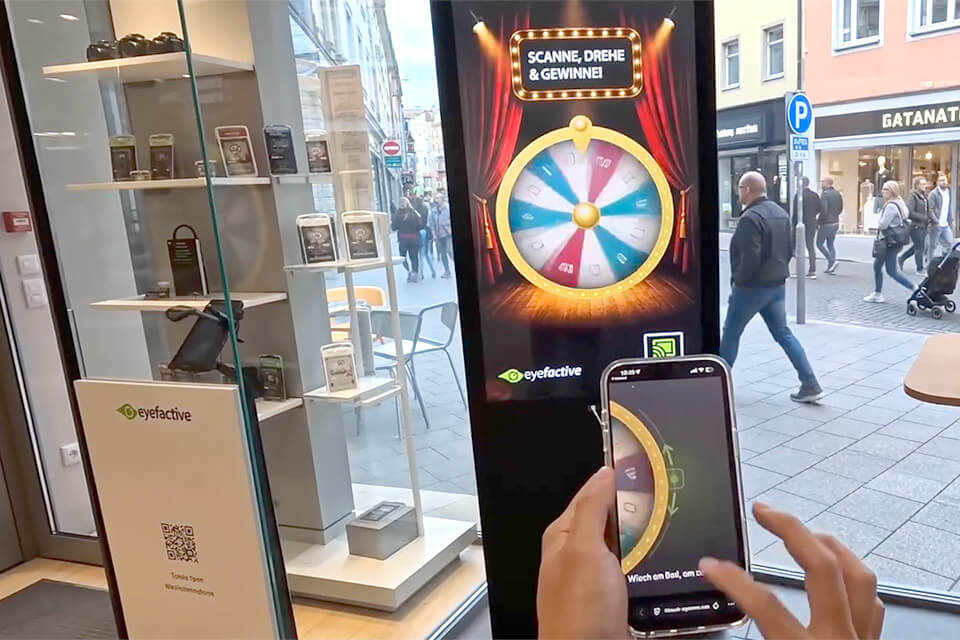
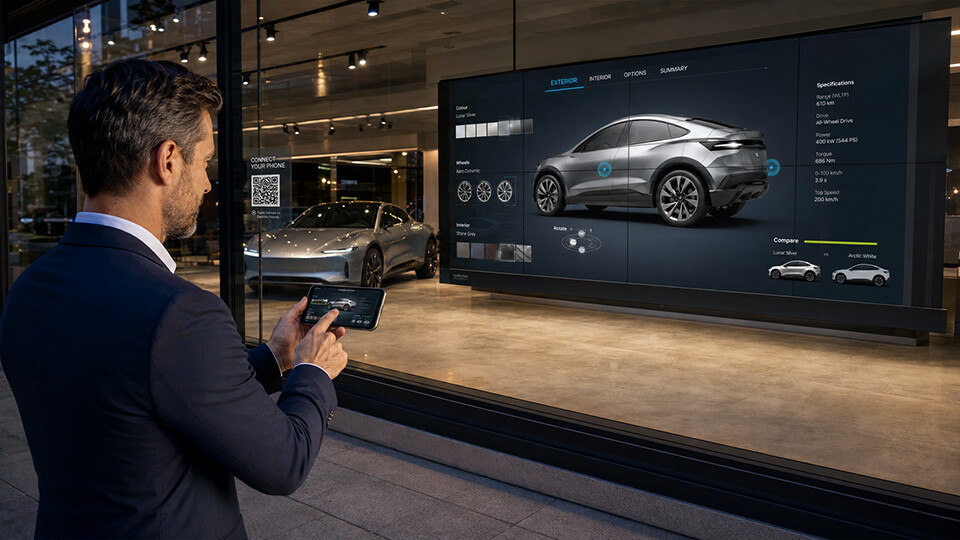
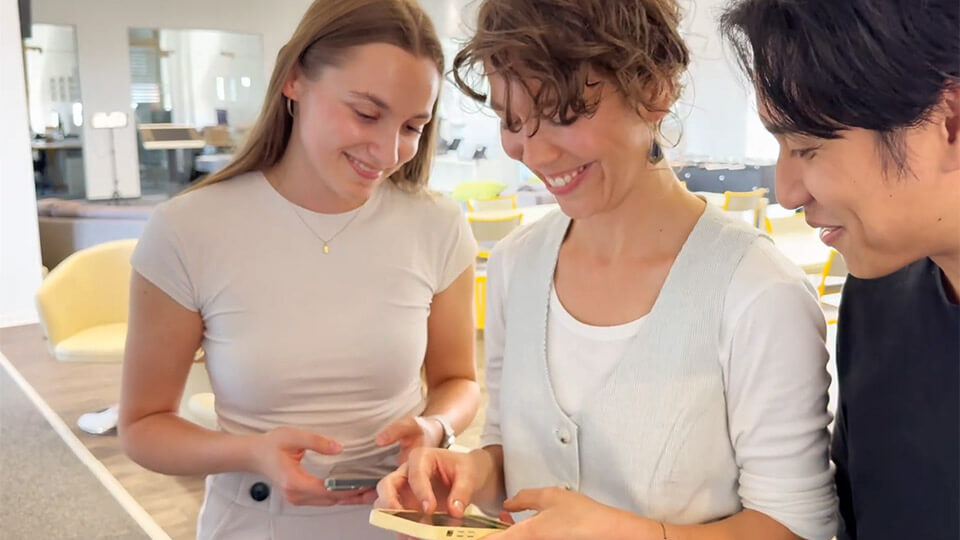
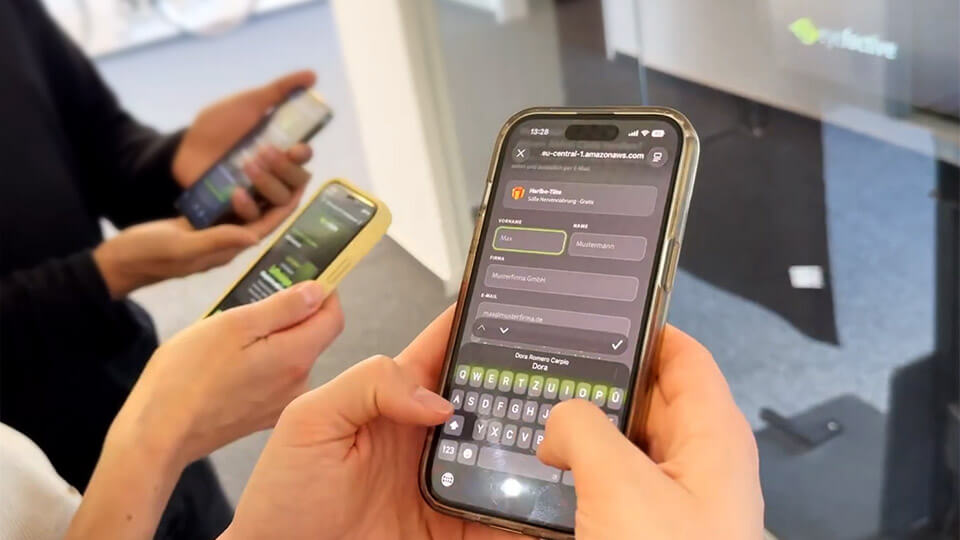
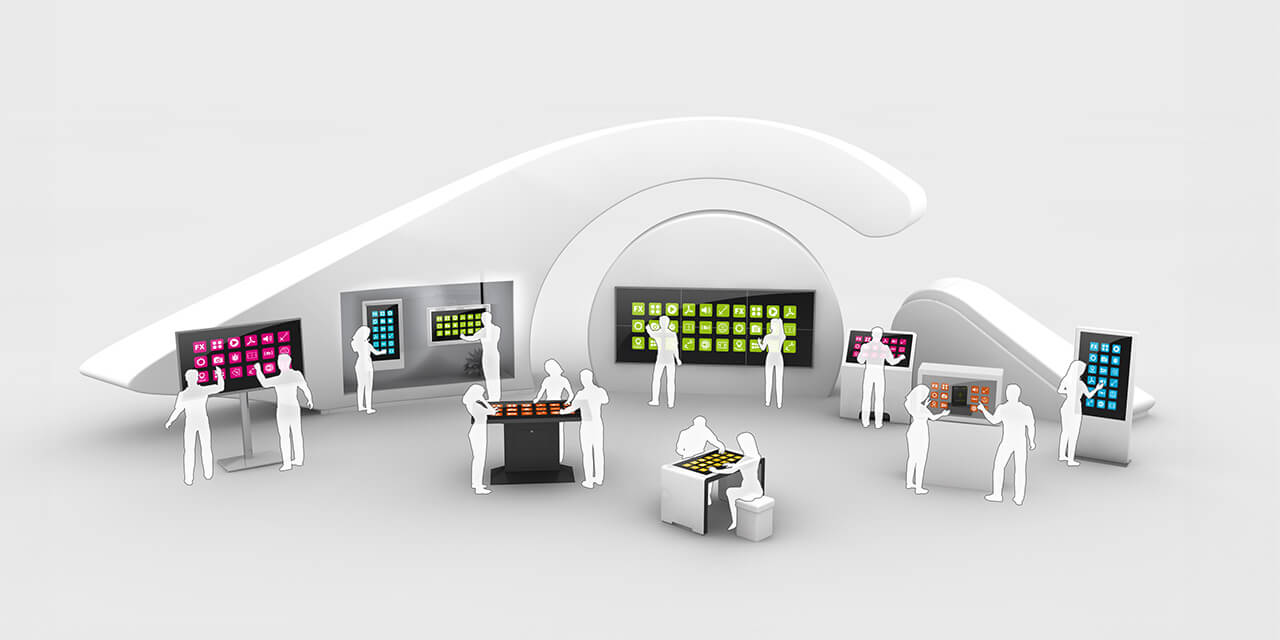
Forget about simple buttons and lame web content: When it comes to interactive multi-touch solutions, the best systems need the best software to create highly intuitive, engaging interactive experiences!
Based on eyefactive's awarded, native multi-touch and multi-user software technology, plenty of ready-to-use, customizable apps can be utilized to create amazing interactive experience with your very own content and design.
Click on the headlines to learn more.
RemoteFront is an interactive shop window technology that connects any digital screen behind a shop window or inside a store to a shopper's own smartphone, letting them control the screen in real time after scanning a QR code, with no app or download required. It also covers any brick-and-mortar business with a shop window or public-facing screen, including fashion and product retailers, bakeries, restaurants, hair salons, real estate agencies and hotels.
A shopper scans a QR code shown on or near the display using their phone's camera. eyefactive's RemoteFront technology then pairs the phone and the screen, turning the phone's own touch sensor into a remote controller, so every tap, swipe or gesture shows up on the shop display in real time.
No. RemoteFront works entirely through a QR code scan and the phone's built-in browser and touch sensor, so there is nothing to install and nothing to uninstall afterward.
Yes. RemoteFront supports multiple simultaneous connections, so several shoppers can control the same screen together, which opens up multi-user formats like an interactive air hockey game on a large public display or video wall.
In most cases, no. RemoteFront is a technology layer that works with existing digital screens behind a shop window or inside a store, so retailers do not need to replace hardware that already works.
Yes. Since the interaction happens between the screen and the shopper's smartphone over a network connection, RemoteFront keeps working after closing time and outside staffed hours, as long as the display stays powered on.
A standard QR-to-website flow sends the shopper to a browser tab on their own phone, leaving the actual shop window screen untouched. RemoteFront connects the phone directly to the shop window display itself, so the shopper's touch input controls the real screen behind the glass in real time.
Camera-based gesture systems track hand movement in the air, which can be slow, imprecise and unable to reliably hit a button or type text. RemoteFront uses the shopper's own smartphone touch sensor instead, giving the same precision people already expect from using their phone.
The smartphone can act as a second screen, displaying custom visuals, instructions or guidance that help the shopper navigate the experience on the shop window display step by step.
RemoteFront runs on eyefactive's no-code B2B app platform. Retailers and partners can use ready-made app templates, such as games, catalogs or forms, or customize their own interactive experience without a development team.

Get a personal online live demo and a tailored consultation for adding RemoteFront to your shop window or in-store display.
We are pleased to support you with free, non-binding consultation and an individual offer - for your successful interactive digital signage project.
Contact us now!